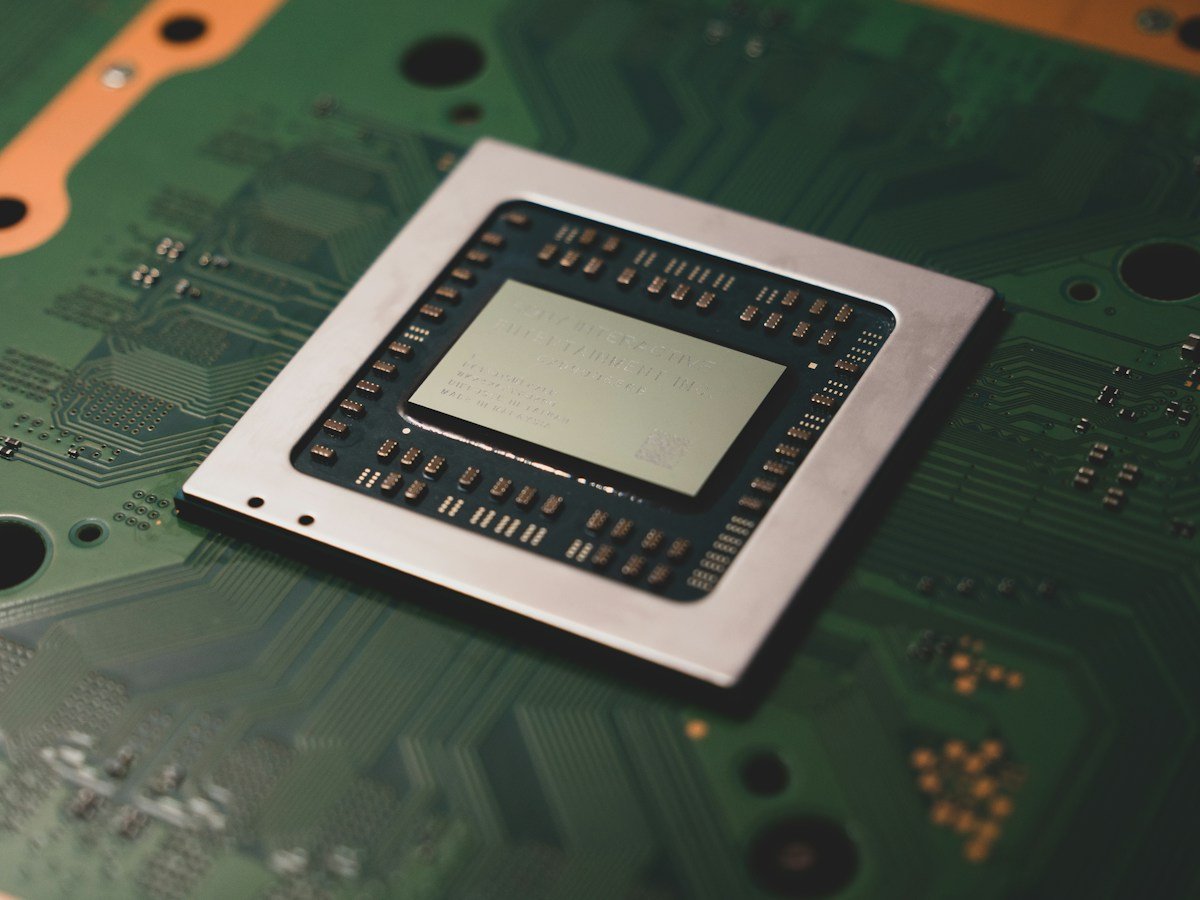
Running a model locally describes where inference happens. It does not, by itself, explain analytics, cloud fallback, backups or every other data flow.
A phone can now perform some AI tasks without sending the input to a remote model. That can be useful for speed, connectivity and privacy. But the phrase “on-device AI” should begin a conversation about data handling, not end it.
A feature can run its main calculation locally while the surrounding app still communicates with online services.
What local inference means
Inference is the process of running a trained model on an input to produce an output. When inference happens on-device, the computation takes place on hardware such as a phone or laptop.
The model may need to be downloaded first. Some features can then work offline, while others combine local processing with online functions.
Google AI Edge, for example, provides tools for running models on devices. That tells you such a design is possible; it does not establish how every app built with those tools behaves.
Separate the feature from the app
Imagine an app that summarizes a saved note locally, then synchronizes the note and summary to a cloud account. The summary was generated on-device, but the content still leaves the device through synchronization.
An app might also send diagnostics, check for model updates or offer a cloud fallback when a request exceeds local capabilities. Each data flow needs its own explanation.
Google's MediaPipe terms provide a useful illustration: input processing is described as local, while the terms separately discuss updates and usage metrics. The distinction matters more than a broad privacy slogan.
Offline behavior answers only one question
Turning off connectivity can show whether a particular task currently works without a network connection. It does not prove that no information is stored for later upload or that every other feature behaves the same way.
Use an offline test as a practical capability check, not a complete privacy audit. For sensitive information, read the current documentation and relevant app settings.
Check whether cloud processing is optional, automatic or clearly signaled. A visible choice is easier to understand than a system that silently changes processing routes.
Local processing has tradeoffs
A device has limited memory, power and cooling. A model that fits comfortably on a phone may behave differently from a much larger remotely hosted model.
That does not make local AI automatically worse. A small, well-matched model can be useful for a bounded task. The question is whether it performs your task accurately and within acceptable time and battery limits.
Test with realistic material. A short demonstration may not reveal what happens with a long document, a noisy recording or a language the feature supports less well.
Questions worth asking
- Does this specific feature process the input locally?
- Is a download or sign-in required before offline use?
- Does the app synchronize inputs or outputs?
- What diagnostics or usage information are sent?
- Can a request fall back to a remote model?
- Where are saved results stored, and how are they deleted?
Clear answers help you decide whether the feature fits your needs. “On-device” is an important technical property. A full privacy judgment also requires understanding the app around it.
Sources & further reading
Original explainers and practical examples, with technical background from the sources below. Source links reviewed 2026-10-03.
More context, fewer assumptions. About our editorial approach.