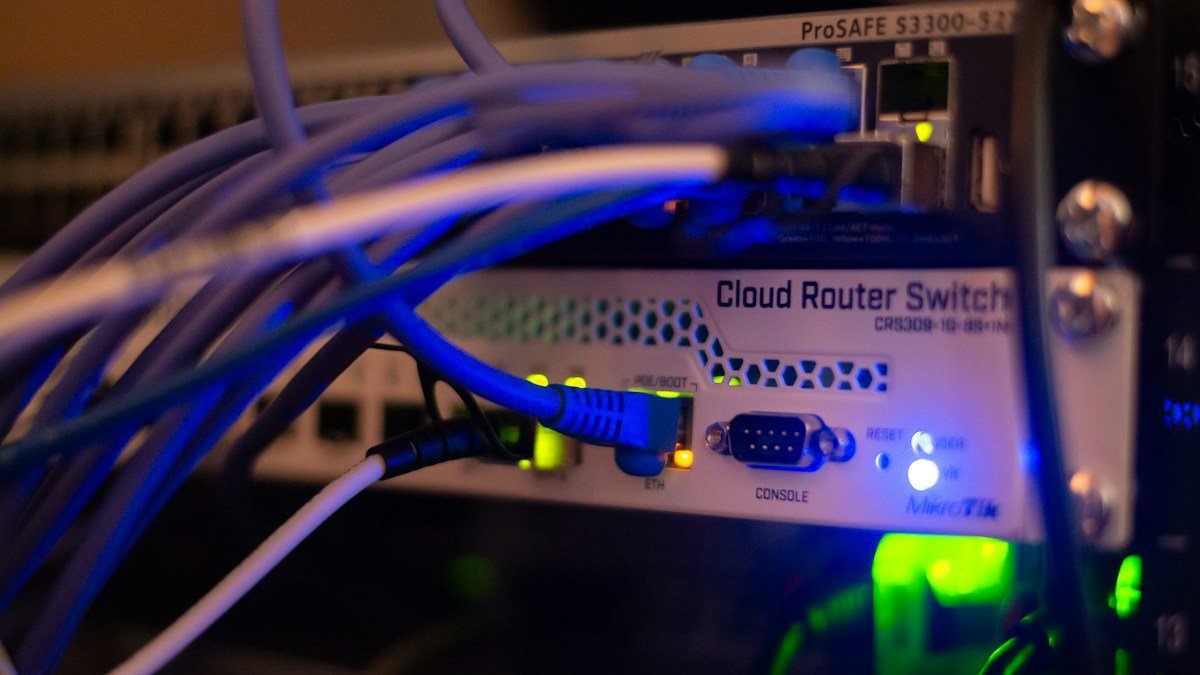
Test the same device near the router and in the problem room. The difference helps distinguish coverage trouble from a wider connection problem.
A video call breaks up in the bedroom, so you start browsing new routers. Before spending anything, find out which part of the connection is failing. Wi-Fi links your device to the local network. Your internet service connects that network to the wider world. Either can be the bottleneck.
A few repeatable checks are more useful than changing every setting at once.
Make the problem specific
Write down where it happens, which device is affected and what you are doing. “The internet is slow” is difficult to investigate. “The same laptop drops video calls in the back room after dinner” gives you something to test.
Pause large downloads and backups during a comparison. Use the same device, application and test method. Run more than one measurement; a single result may reflect a temporary change elsewhere on the network.
Compare two locations
Test close to the router, then repeat in the problem room. If performance is acceptable nearby but consistently poor farther away, coverage or interference deserves attention.
If the connection is poor everywhere, compare another device. When possible, test a computer connected by Ethernet. Poor wired performance can point toward the internet service, router load or another issue beyond wireless coverage.
Avoid interpreting a Wi-Fi link-rate number as your actual internet speed. They measure different parts of the connection.
Move the router before buying an extender
A router hidden behind a television, inside a cabinet or near substantial obstructions may struggle to cover the rooms you use. Try a more open, central position within the limits of your wiring.
Move one thing, then repeat the test. If the improvement is meaningful, keep the change. If not, restore the original setup before trying something else.
A wireless extender also needs a usable connection back to the main router. Placing it deep inside a dead spot can leave it repeating a weak connection.
Understand the bands without overcomplicating them
The 2.4 GHz band often reaches farther, while 5 GHz and 6 GHz can offer more capacity under suitable conditions. Walls, interference and the hardware involved affect the outcome. Six-gigahertz operation also depends on compatible equipment and regional availability.
A newer router cannot give an older device features it does not support. Check the complete connection, not just the generation printed on the router box.
Know when to seek help
Keep a short record of test times, locations and whether the connection was wired or wireless. If several devices have poor wired and wireless performance, those notes make a conversation with the internet provider more productive.
Use the manufacturer's official instructions for firmware updates. Avoid changing unfamiliar advanced settings without recording their original values. A factory reset should not be the first experiment, especially if you do not have the information needed to reconnect.
The aim is a stable connection in the places you work, not the biggest number in a speed test. Diagnose that specific need before choosing new equipment.
Sources & further reading
Original explainers and practical examples, with technical background from the sources below. Source links reviewed 2026-10-03.
More context, fewer assumptions. About our editorial approach.